Aviassembly Steam Workshop and Plane Blueprints Guide
How to upload designs from the Save menu, browse subscribed planes in the Workshop load tab without restarting, locate local blueprint files, and sync builds with Steam Cloud.
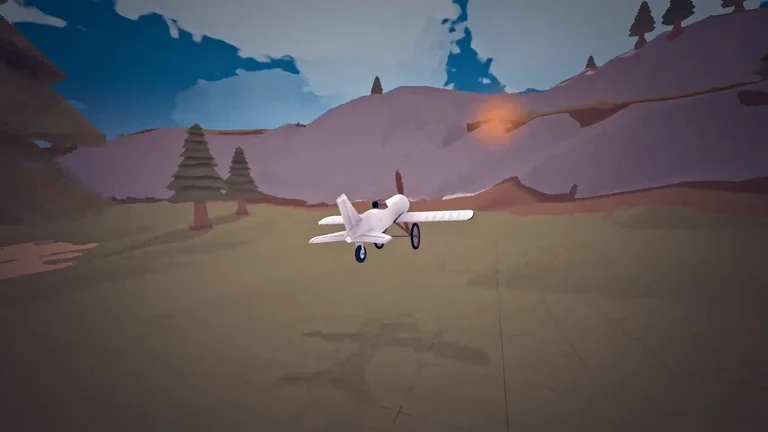
To share an aircraft in Aviassembly, open the Save menu, enter a name, description, and category tag, and upload it directly to the Steam Workshop; to fly community builds, subscribe on Steam Workshop and switch to the Workshop tab in the Load panel without restarting the game. For part stats and airframe layout fundamentals before uploading, see our plane building guide.
Uploading Your Plane from the Save Menu
Workshop publishing is built directly into the hangar save workflow introduced in Update 8:
- Save menu fields: In the hangar, click the Save button (labeled Save plane), fill in the plane name and description prompts, pick a tag, and choose Upload.
- Workshop tags: Aircraft can be categorized as Plane, Helicopter, Replica, Wacky, or Other so browsers can filter designs by type.
- Saving restrictions: You cannot save while moving, and uploads require an active Steam connection; otherwise the interface warns that it could not connect to Steam.
Subscribing and Loading Blueprints In-Game
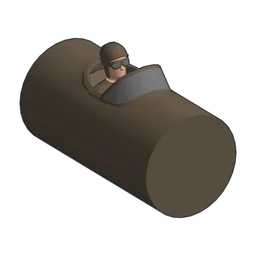
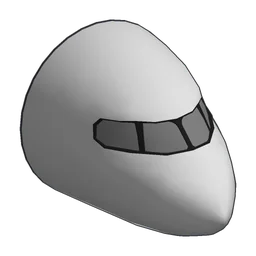
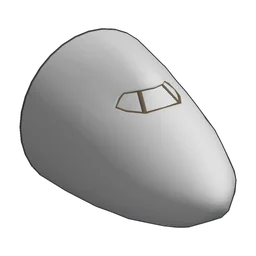
Downloaded designs live alongside your own hangar presets in the Load interface, making it quick to test community aircraft ranging from starter builds with Biplane Cockpit to large haulers built around Jetline Cockpit and Huge Cockpit:
- Subscribe to any design on the Steam Workshop for Aviassembly (Workshop depot 2660460).
- Open the Load menu in the hangar and move from the Local tab to the Workshop tab.
- Select the blueprint to spawn it immediately without restarting the client, or use Unsubscribe when clearing designs from your list.
Check our cargo space and weight guide if you plan to adapt a community design for heavy campaign deliveries.
Why Workshop Covers Plane Designs Only
Aviassembly limits Steam Workshop submissions strictly to plane blueprints rather than custom parts or scripted modifications. Although custom parts had been considered on earlier roadmaps, Jelle Booij kept the Workshop focused on aircraft designs because supporting a complex mod ecosystem is beyond solo-developer maintenance capacity.
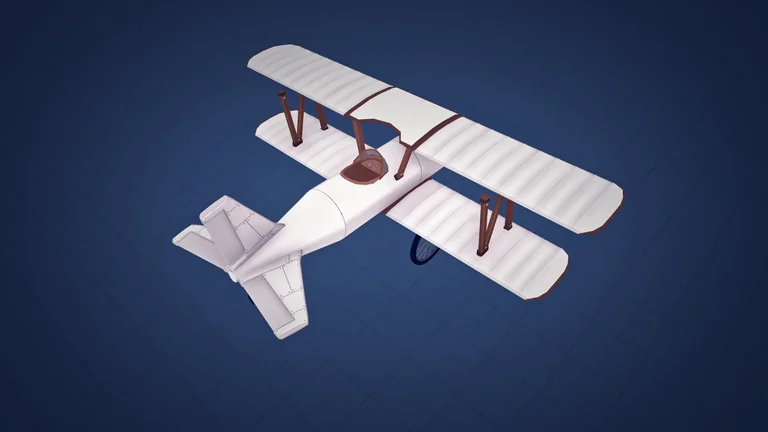
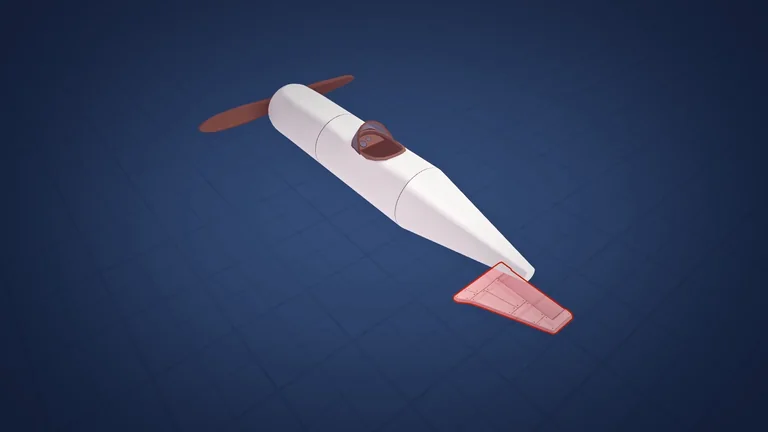
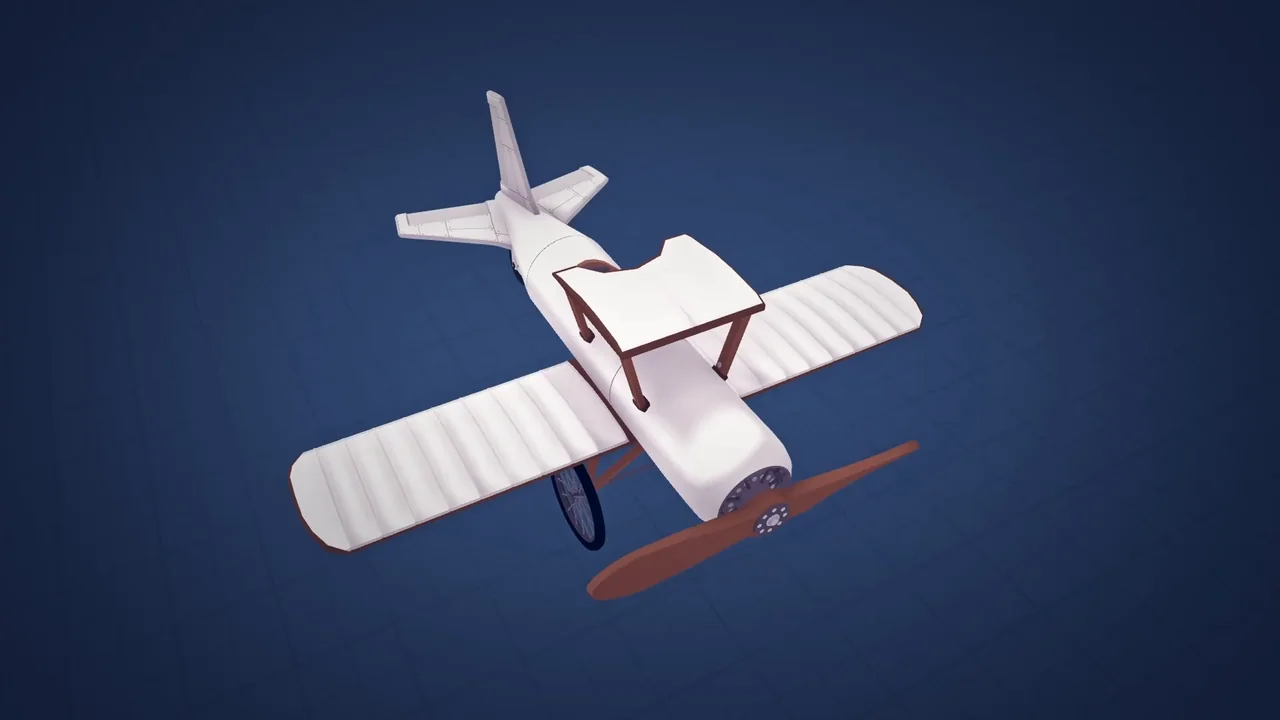
Because every shared blueprint uses built-in components from the parts database, newcomers can immediately fly starter designs made from 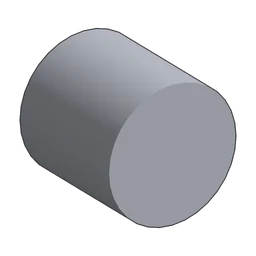 Body, Biplane Cockpit,
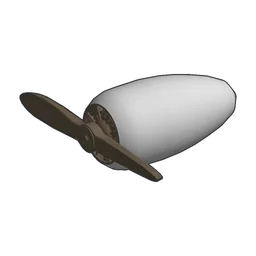 Wood Engine,
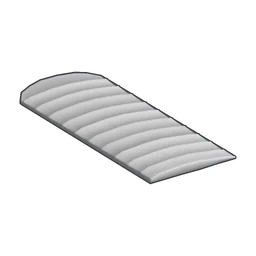 Biplane Wing, and
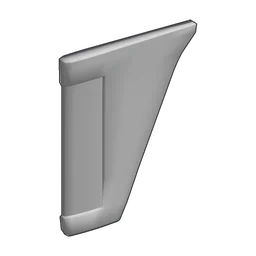 Tail Wing. More intricate replica builds often add
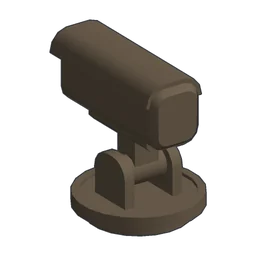 Camera,
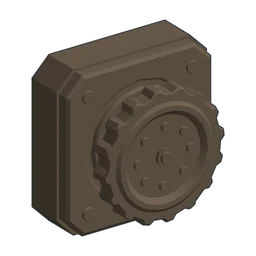 Rotation Joint, and
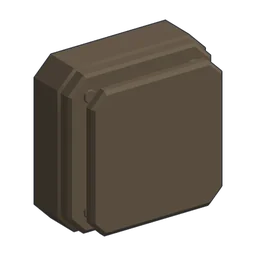 Decoupler parts, which use per-device controls explained in our controls guide.
| Part | Cargo | Thrust | Fuel Consumption | Electricity Generation | Optimal speed | Lift | Drag | Strength | Weight | Price | Research |
|---|---|---|---|---|---|---|---|---|---|---|---|
| Body | 10 | — | — | — | — | — | — | — | 1 | 50 | Start |
| Biplane Cockpit | 20 | — | — | — | — | — | — | — | 1.5 | 150 | Start |
| Wood Engine | — | 10 | 2 | 0.4 | 100 knots | — | — | — | 1.5 | 150 | Start |
| Biplane Wing | — | — | — | — | — | 21 | 21 | 2.25 | 0.5 | 75 | Start |
| Tail Wing | — | — | — | — | — | 2 | 6 | 6 | 0.33 | 15 | Start |
| Part | Weight | Price | Research |
|---|---|---|---|
| Camera | 0 | 50 | Start |
| Rotation Joint | 0.05 | 50 | 5 RP |
| Decoupler | 0.1 | 50 | 5 RP |
Local Design Files and Steam Cloud Sync
On Windows, locally saved aircraft blueprints are stored under WinAppDataLocalLow in Aviassembly\Aviassembly\Plane Designs with the *.planedesign file pattern.
Update 10 added Steam Cloud synchronization so saved designs and campaign progress sync automatically between devices. Steam’s cloud storage configuration allocates up to 1,000 files and 500,000,000 bytes across your save and design folders; see our save file location guide for campaign save paths and update compatibility notes.