Aviassembly Controls: Keyboard, Controller, and HOTAS Guide
Supported input devices in Aviassembly, including keyboard and mouse, partial controller support with a virtual cursor, HOTAS and joystick rebinding, flight actions, build tools, camera views, and Steam Deck notes.
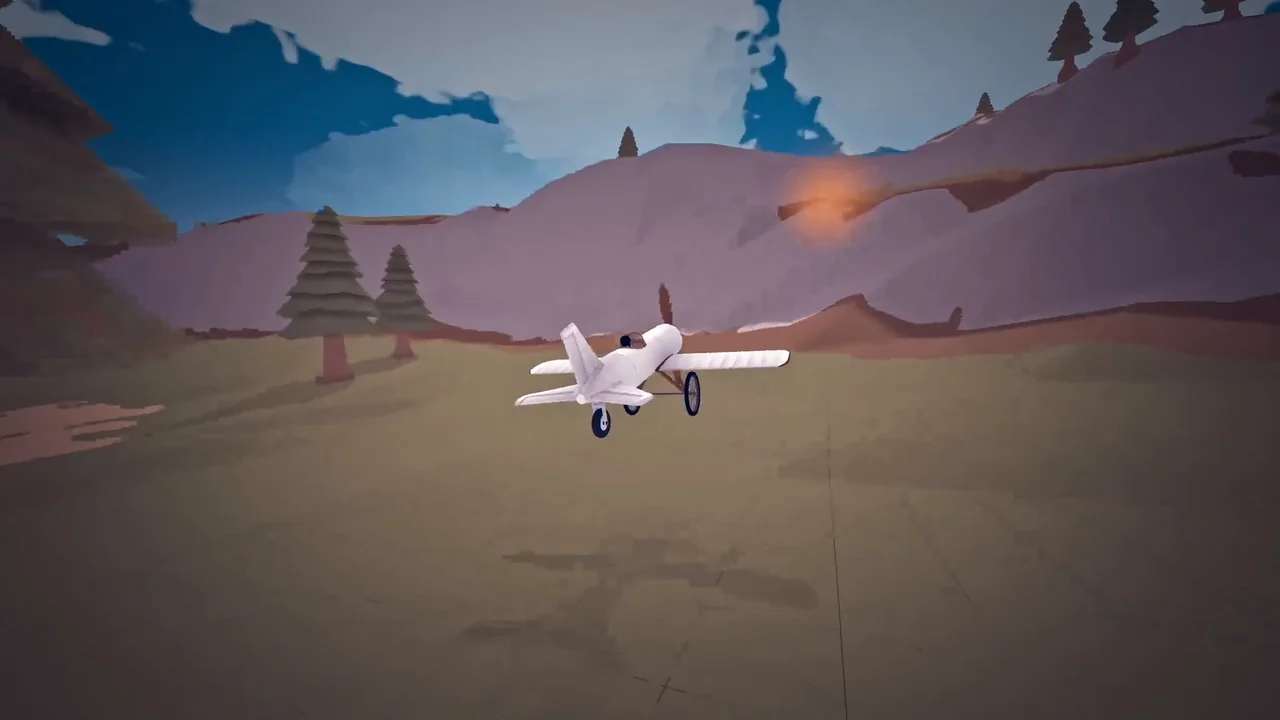
Aviassembly supports keyboard and mouse play, partial controller support with a virtual cursor for building planes, and HOTAS or joystick setups with separate per-device keybindings for individual parts. All controls can be customized in the in-game settings and keybindings menus, and this guide fits alongside our complete progression guide for getting your first aircraft into the air.
Supported Input Devices and Rebinding
You can switch between keyboard, controller, and joystick hardware depending on how you prefer to fly and build:
- Keyboard and mouse: Standard flight and hangar editing are built around mouse movement, scrolling, left-click, and right-click alongside customizable keyboard bindings.
- Partial controller support: Steam lists partial controller support for gamepads, and a virtual cursor toggle lets you place and adjust parts in build mode using a controller.
- HOTAS and joysticks: Update 11 introduced joystick and HOTAS support, though different hardware models may need initial mapping inside the keybindings screen before takeoff.
- Per-device part bindings: Individual engines,
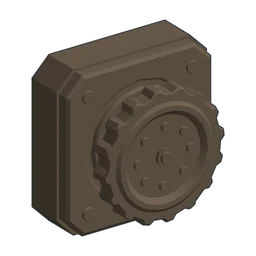 Rotation Joint, and
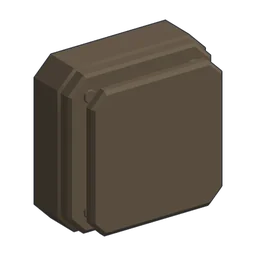 Decoupler parts each maintain separate bindings per input device so controller and keyboard setups do not overwrite one another.
Flight Controls and Action Bindings
Every flight binding can be viewed or remapped in the keybindings menu without guessing unprinted default keys, and you can also tune throttle and steering behavior:
- Attitude controls: Adjust aircraft orientation in three axes with Pitch up, Pitch down, Roll left, Roll right, Yaw left, and Yaw right.
- Persistent throttle: Throttle up and Throttle down adjust engine output smoothly from zero to full throttle, holding the chosen level until you move the throttle again.
- Reverse thrust and brakes: Reverse thrust and Brake slow the aircraft down, with reverse thrust able to pull throttle down to -75% on the ground, on water, or with helicopter rotors while stopping at 0% in mid-air.
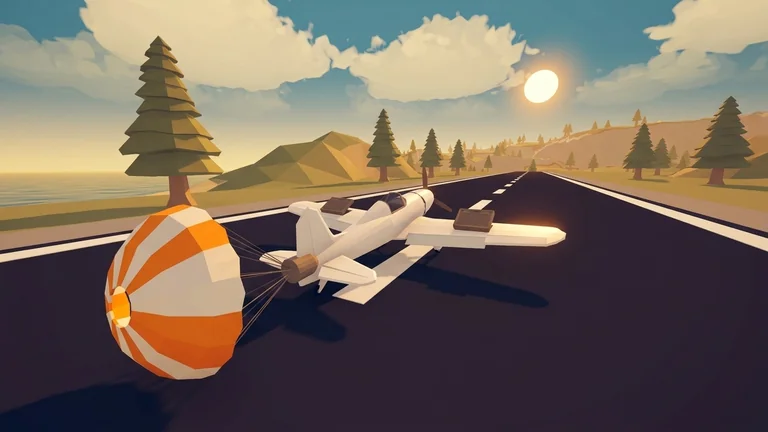
- Airbrake deployment: Pulling throttle input below zero while total engine thrust is near zero and the plane is moving forward opens an attached
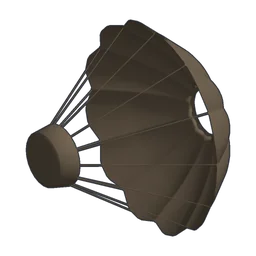 Parachute, adding 1.5 to airbrake drag as explained in our airbrake parachute guide.
- Vertical flight: Go up and Go down control vertical thrust on helicopters, letting rotorcraft climb, hover, or push downward.
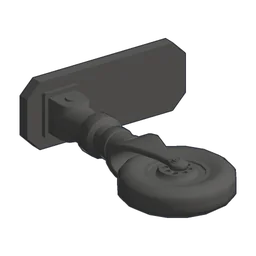
- Landing gear and map: Retract gear folds retractable wheels such as
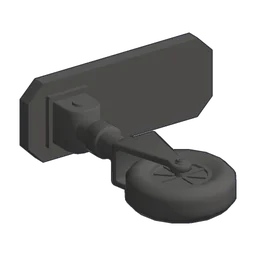 Tiny Retractable Gear,
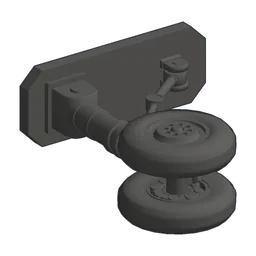
 Small Retractable Gear,
 Wheel03, and
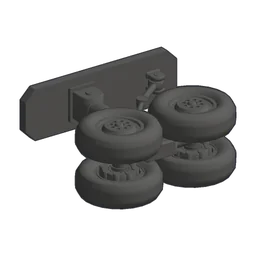 Big Retractable Gear, while Open map brings up the world navigation screen.
- Firefighting water drop: Drop Water releases carried water over fires on both keyboard and remappable controller or joystick bindings, covered in detail in our firefighting guide.
- Auto Steer option: With Auto Steer enabled in the options menu, rolling turns the aircraft automatically, while turning it off restores manual handling; barrel rolls still work with Auto Steer enabled.
| Part | Load Limit | Friction | Weight | Price | Research |
|---|---|---|---|---|---|
| Tiny Retractable Gear | 12 | 1 | 0.75 | 150 | 15 RP |
| Small Retractable Gear | 20 | 1 | 1 | 200 | 15 RP |
| Wheel03 | 25 | 1 | 1 | 300 | 30 RP |
| Big Retractable Gear | 50 | 1 | 1 | 500 | 40 RP |
| Part | Thrust | Fuel Consumption | Electricity Generation | Optimal speed | Weight | Price | Research |
|---|---|---|---|---|---|---|---|
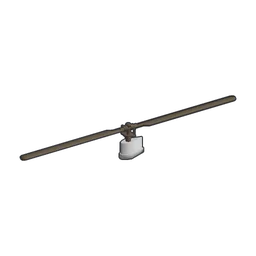 Helicopter Engine Small | 80 | 6 | 0.4 | 65 knots | 0.5 | 1,000 | 10 RP + 5 Adv |
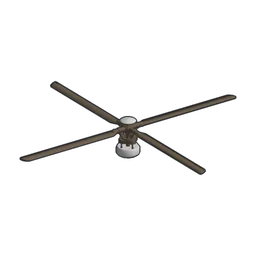 Helicopter Engine | 110 | 8 | 0.7 | 125 knots | 1 | 1,500 | 20 RP |
Build Mode Tools and Part Settings
Hangar editing in our plane building guide and the parts database relies on four core placement tools alongside the virtual cursor for controllers:
- Mirror: Toggles symmetrical placement across the fuselage centerline when attaching wings, engines, or wheels.
- Snap angle: Locks part rotation to angled increments, or you can toggle Snapping off for free placement.
- Slow cursor: Reduces cursor movement speed for fine alignment when positioning small parts or gizmos.
- Custom Color: Opens the unlimited color picker so you can paint fuselages, wings, and engines beyond preset swatches.
- Part-level tuning: In addition to per-device bindings on engines, Rotation Joint parts, and Decoupler parts, rotation joints allow you to clamp minimum and maximum angles, set rotation speed, and toggle automatic return to start when no input is held.
Camera Modes and the Camera Part
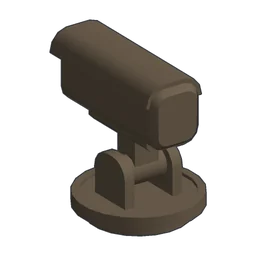
You can cycle between three built-in viewpoints during flight: normal, freedom, and first person, though the first-person view remains bare because full cockpit interiors are not modeled.
Attaching the Camera part lets you place extra viewpoints anywhere on your airframe and switch between them mid-flight. The Camera part costs 50 coins, weighs 0, and is unlocked from the start in the utility parts category.
Steam Deck Playable Caveats
Aviassembly carries a Steam Deck compatibility rating of category 2 (Playable), and SteamOS compatibility is likewise rated category 2.
While the default configuration is marked performant, Steam’s compatibility tests note four caveats: the default controller layout is not fully functional without adjustments, button glyphs do not match Steam Deck hardware, text fields do not invoke the on-screen keyboard automatically, and some interface text is small or hard to read.