Why Your Plane Won't Take Off in Aviassembly
Fix runway takeoff failures by clearing hangar warnings, matching wheel Load Limit to plane mass, and balancing wing Lift with engine Thrust.
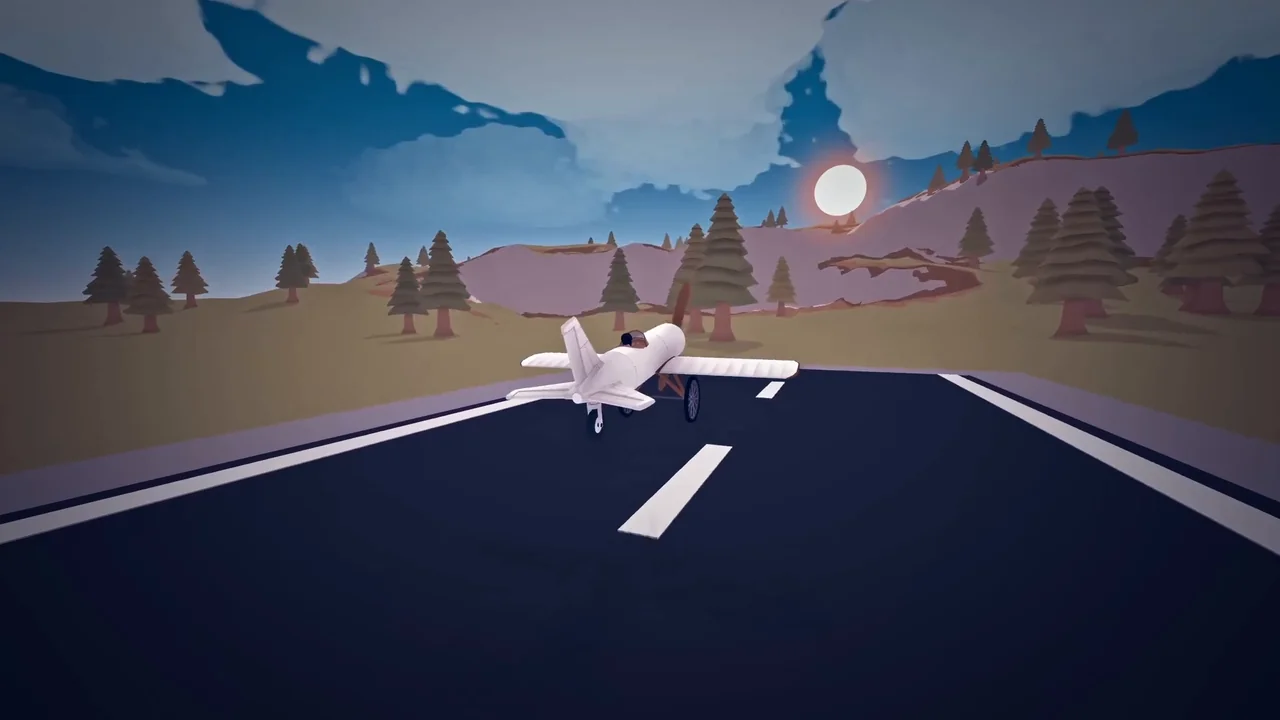
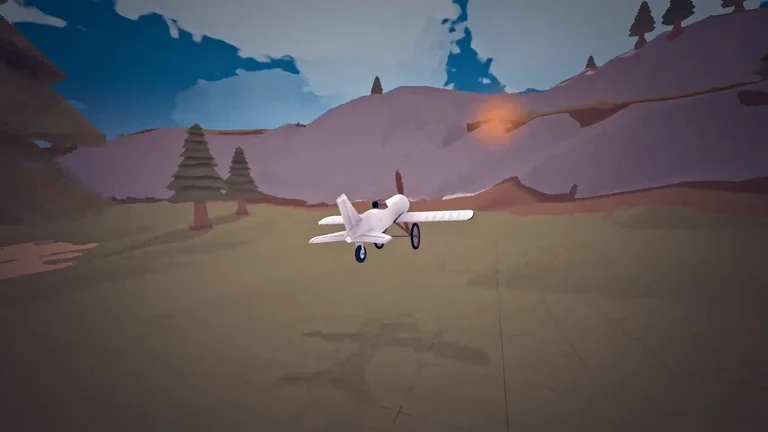
When an aircraft stays stuck on the runway, check the hangar takeoff alerts first, make sure wing lift and engine thrust can overcome total mass, and confirm your landing gear meets the plane’s Load Limit. The editor warns you directly for missing gear (“The plane has no wheels.”), nose-down gear (“Front wheel lower than rear wheel”), misplaced balance (“Front wheels too close to center of gravity”), stability faults (“Unstable plane”), pitch trouble (“Angle of attack issue”), and overloaded tires (“Wheel load too heavy”). On early builds, match two 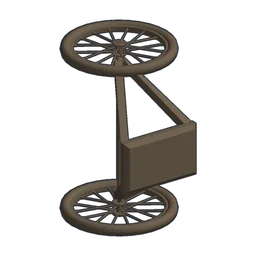 Bike Wheel assemblies (Load Limit 2 x 5) or a
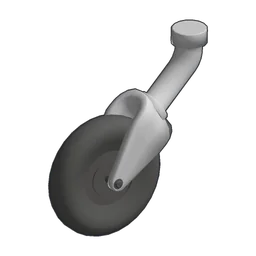 Small Rear Wheel (Load Limit 6)—or upgrade to
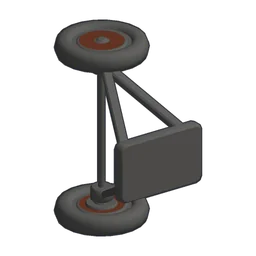 Old Steel Wheel (2 x 8)—with
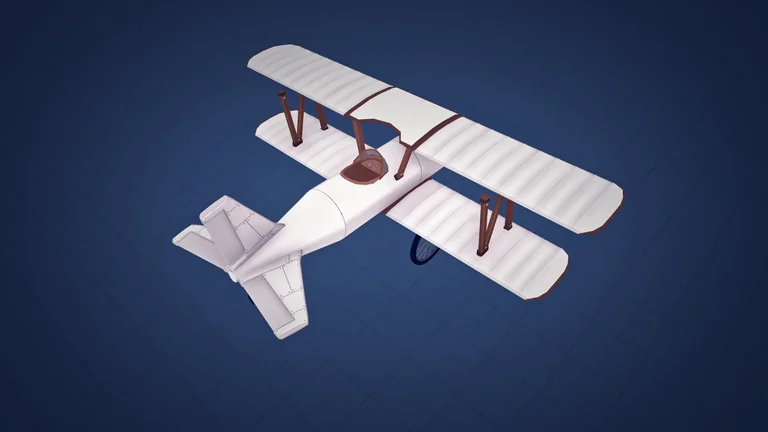
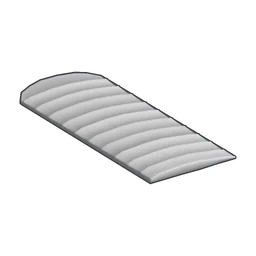 Biplane Wing panels (Lift 21) and a
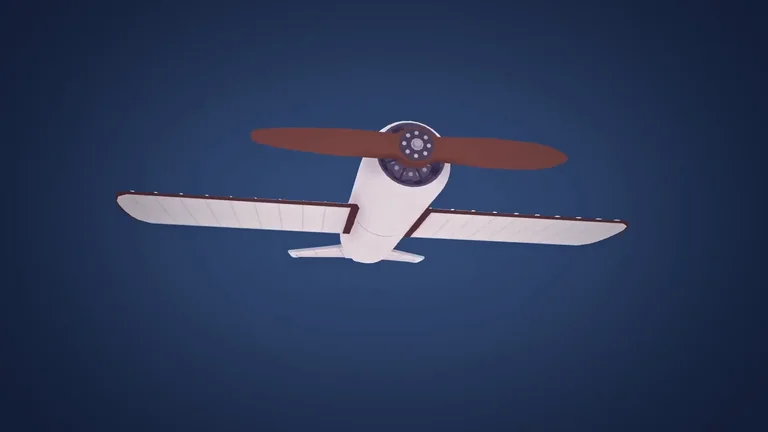
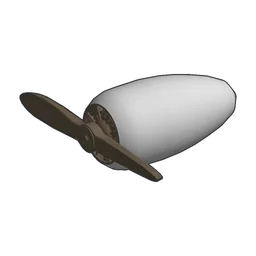 Wood Engine (Thrust 10), and check our plane building guide for full airframe formulas.
Hangar Takeoff Alerts and What Each Means
The build editor flags six specific geometry and load mistakes before you roll onto the strip:
- “The plane has no wheels.” — No wheel part is attached to support the fuselage on the ground.
- “Front wheel lower than rear wheel” — Your front gear sits lower than the rear gear, tilting the nose downward instead of pitching up on the runway.
- “Front wheels too close to center of gravity” — Forward landing gear sits too close to the center of mass, risking tip-overs during acceleration or braking.
- “Unstable plane” — Lift and control surfaces are out of balance relative to the airframe mass.
- “Angle of attack issue” — Your wings sit at a poor angle relative to airflow for generating upward lift.
- “Wheel load too heavy” — Total plane weight exceeds wheel capacity, prompting “Add more wheels or add stronger wheels”.
Wheel Load Limit and Runway Friction
Starter landing gear handles light frames cleanly, but adding cargo, fuel tanks, or extra engines quickly pushes past low Load Limit ratings. At the start of a run, you have Bike Wheel (2 x 5 Load Limit, 2 Friction, 0.5 weight, 25 coins) and Small Rear Wheel (6 Load Limit, 1.5 Friction, 0.2 weight, 25 coins), alongside 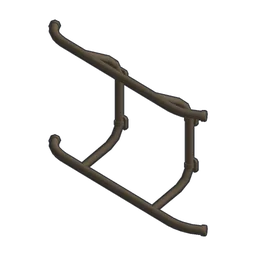 Helicopter Landing Gear (2 x 15 Load Limit, 1 Friction, 0.9 weight, 5 coins). Once unlocked for 5 research points, Old Steel Wheel raises capacity to 2 x 8 and drops Friction to 1 (50 coins, 1 weight), while
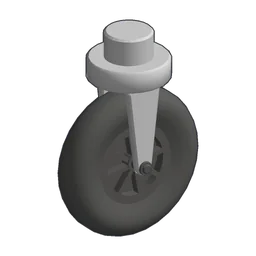 Rear Wheel (10 research points) doubles rear capacity to 12 with 0.5 Friction (100 coins, 0.2 weight).
| Part | Load Limit | Friction | Weight | Price | Research |
|---|---|---|---|---|---|
| Bike Wheel | 2 x 5 | 2 | 0.5 | 25 | Start |
| Small Rear Wheel | 6 | 1.5 | 0.2 | 25 | Start |
| Old Steel Wheel | 2 x 8 | 1 | 1 | 50 | 5 RP |
| Rear Wheel | 12 | 0.5 | 0.2 | 100 | 10 RP |
Wing Lift and the Ground-Effect Angle Boost
Wing lift grows with the wing area, its lift factor, the square of speed, and the sine of twice the angle of attack, while a wing’s displayed Lift rating equals lift factor × area × 10,000. During runway acceleration within 20 units of the surface, wings receive a ground-effect boost of up to 12° extra angle of attack (peaking at 12° on the ground and tapering to 0 at 20 units), helping flat-mounted wings climb once airspeed builds. Your starting Biplane Wing delivers 21 Lift (21 Drag, 2.25 Strength, 0.5 weight, 75 coins) and 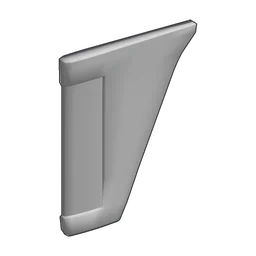 Tail Wing adds 2 Lift (6 Drag, 6 Strength, 0.33 weight, 15 coins), whereas researching
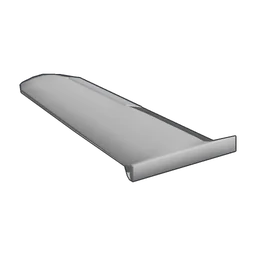 Wing (10 research points) jumps to 33 Lift (1 weight, 150 coins) and
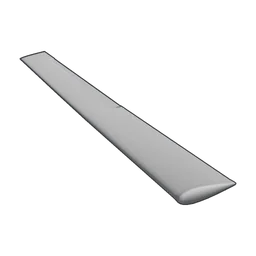 Glider Wing (15 research points) reaches 54 Lift (6 Drag, 1.4 Strength, 1.5 weight, 1000 coins). Be careful diving or accelerating hard with low-strength early wings, as covered in our wing stress guide.
| Part | Lift | Drag | Strength | Weight | Price | Research |
|---|---|---|---|---|---|---|
| Biplane Wing | 21 | 21 | 2.25 | 0.5 | 75 | Start |
| Tail Wing | 2 | 6 | 6 | 0.33 | 15 | Start |
| Wing | 33 | 21 | 6 | 1 | 150 | 10 RP |
| Glider Wing | 54 | 6 | 1.4 | 1.5 | 1,000 | 15 RP |
Engine Thrust, Fuel Weight, and Cargo Mass
Every attached part adds weight / 15 to physics mass, loaded fuel adds fuel × 0.4 / 15 as flight begins, and loaded missions add each unit’s cargo weight on top—see our cargo space and weight guide before loading heavy hauls. On the runway, engine force equals throttle × Thrust × speed curve × power slider, and engines with an Optimal speed deliver full thrust up to that threshold before tapering off. A single Wood Engine produces 10 Thrust up to 100 knots (1.5 weight, 2 Fuel Consumption, 150 coins), while upgrading to 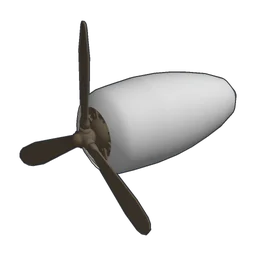 Engine (10 research points) gives 15 Thrust up to 150 knots (1.8 weight, 3 Fuel Consumption, 300 coins) and
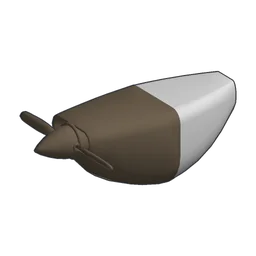 Small Prop Engine (15 research points) cuts weight to 1 and Fuel Consumption to 1 at 10 Thrust (400 coins). To compare later powerplants by price, read the best engine by thrust per coin guide.
| Part | Thrust | Fuel Consumption | Electricity Generation | Optimal speed | Weight | Price | Research |
|---|---|---|---|---|---|---|---|
| Wood Engine | 10 | 2 | 0.4 | 100 knots | 1.5 | 150 | Start |
| Engine | 15 | 3 | 0.4 | 150 knots | 1.8 | 300 | 10 RP |
| Small Prop Engine | 10 | 1 | 0.4 | 100 knots | 1 | 400 | 15 RP |