How to Deploy the Airbrake Parachute in Aviassembly
Unlock the Airbrake Parachute, deploy it by pulling throttle below zero at idle thrust while moving forward, and pair it with reverse thrust on runways.
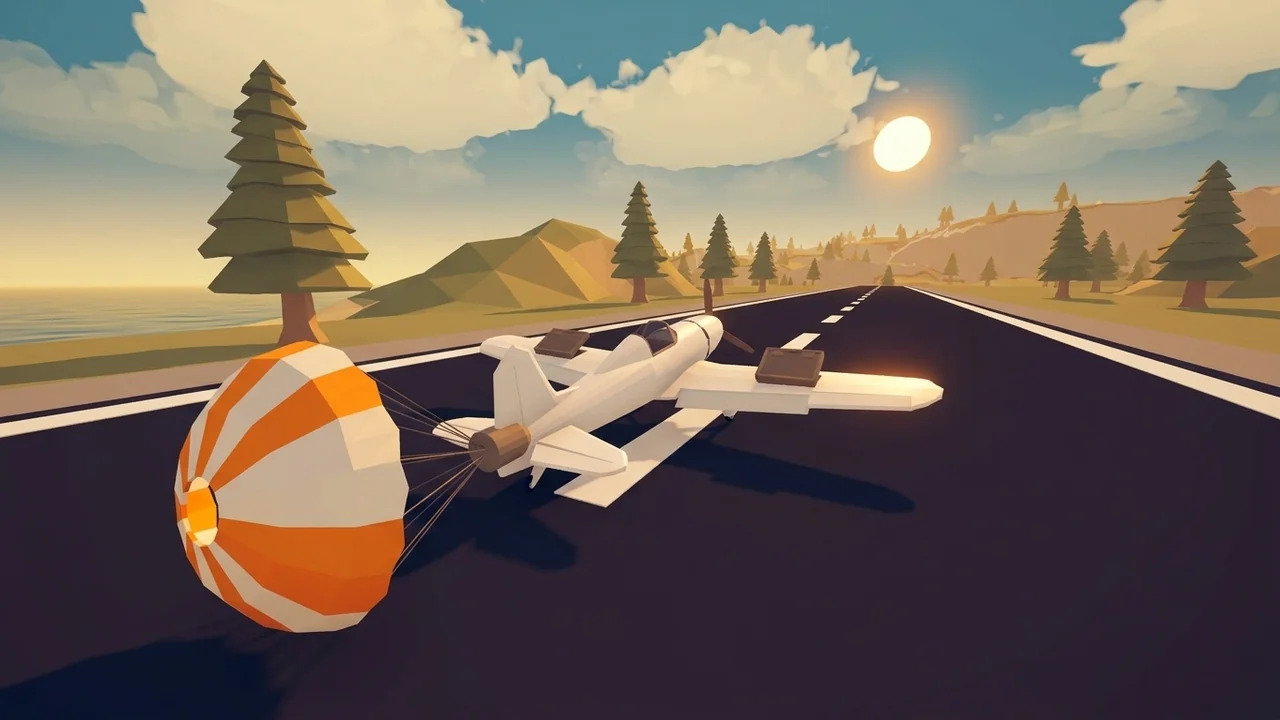
To deploy 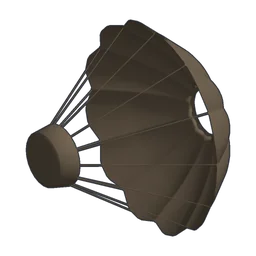 Parachute, pull your throttle input below zero once total engine thrust is near zero while your aircraft is moving forward. Opening the chute adds +1.5 to airbrake drag to bleed speed in midair or during touchdown, and the part unlocks right after
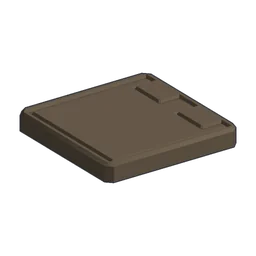 Airbreak on the research tree (5 research points for Airbrake, then 10 research points for the parachute, costing 200 coins at 0.1 weight). For complete airframe deceleration and control fundamentals, check our plane building guide.
Unlock Path and Part Specs
Both braking parts sit on their own two-step branch in the research tree, which spends research points (called scrap in-game) as explained in our research and scrap guide:
- Airbrake — Unlocks first for 5 research points (0 advanced cost, no prerequisites), costs 50 coins to mount, and weighs 0.33.
- Airbrake Parachute — Unlocks after Airbrake for 10 research points (0 advanced cost), costs 200 coins, and weighs 0.1 with an empty stat panel.
Exact Trigger Conditions While Flying and Landing
The parachute checks three conditions every tick: throttle input must sit below zero, total engine thrust must be near zero, and the aircraft must still be moving forward. Holding your “Throttle down” key (alongside “Brake” or “Reverse thrust” bindings listed in the controls guide) first walks engine power down to idle, and continuing to pull throttle negative once thrust drops out triggers the chute. If you still carry positive engine thrust or roll backward, the parachute stays packed—useful to keep in mind when recovering from overspeed alerts in our wing stress guide.
Reverse Thrust on Ground and Water vs. In the Air
Fixed-wing engine throttle behaves differently depending on whether your craft is airborne or touching a surface:
- In the air — Fixed-wing engine throttle stops at 0 rather than reversing, so pulling throttle input below zero shuts off thrust and deploys the parachute cleanly.
- On the ground, on water, or with helicopter rotors — Throttle extends down to -75% for “Reverse thrust”, letting engines actively push backward while rolling or floating.
When touching down on short strips, pairing the +1.5 chute drag with low-friction wheels keeps rollouts predictable: 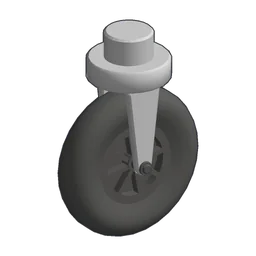 Rear Wheel offers 12 Load Limit and 0.5 Friction (100 coins, 0.2 weight, 10 research points), while
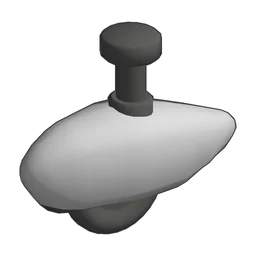 Aero Wheel increases Load Limit to 15 at the same 0.5 Friction (75 coins, 0.2 weight, 15 research points).
| Part | Load Limit | Friction | Weight | Price | Research |
|---|---|---|---|---|---|
| Airbreak | — | — | 0.33 | 50 | 5 RP |
| Parachute | — | — | 0.1 | 200 | 10 RP |
| Rear Wheel | 12 | 0.5 | 0.2 | 100 | 10 RP |
| Aero Wheel | 15 | 0.5 | 0.2 | 75 | 15 RP |