Demo Update 1: Airport Resets, Building Warnings, and Research Tooltips
After reviewing player feedback and gameplay tests on the demo, the developer released Demo Update 1 to smooth out crash recovery, plane building checks, research previews, and early mission balance.
Airport Reset
Crashing no longer forces players back to Base every time; instead, planes now reset at the last airport where they landed safely.
Players can also trigger a manual reset at their current airport to place their plane back on the runway and repair it, which helps recover flipped aircraft without flying all the way back to Base.
Building Warnings
While keeping the game free of a tutorial so players can learn through trial and error, the update adds pre-takeoff warnings that may appear when a plane design has non-obvious issues.
Research Tooltip
Pointing at an item inside the research panel now opens a tooltip listing all of its stats before researching it.
Small Changes
- Adjusted the cursor to improve readability.
- Fixed some issues affecting quest messages.
- Raised the scrap reward for the final demo mission.
- Rotated airports to make landing easier at the first airports.
- Removed the quest requirement to load Fruit (apples) and Lumber (wood).
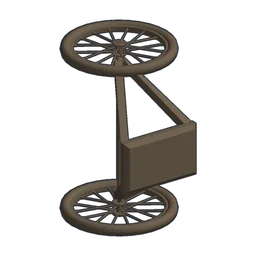
- Increased the carry capacity of the Bike Wheel.
- Added sound effects to the research panel.
- Updated the main menu and added credits.